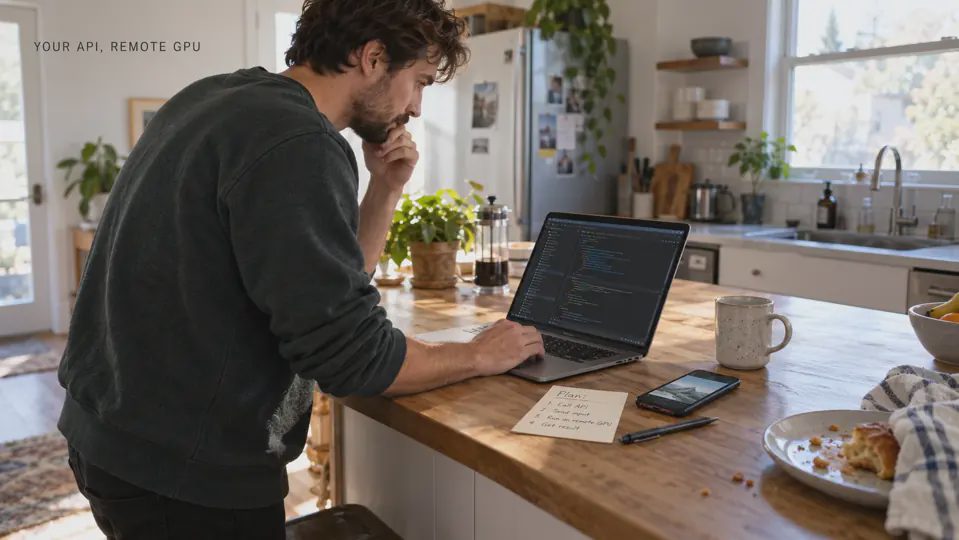
Beam lets you run Python applications on remote compute, including GPUs, and expose inference through an HTTP endpoint. If you already build APIs, I would start by separating the familiar request handler from three additional concerns: the runtime environment, model memory, and container startup. That makes a serverless GPU easier to reason about before you pay for one.
Here, Beam means beam.cloud. The name overlaps with unrelated products; this article concerns its compute and inference platform.
I’ll use an imagined image-classification service to connect the pieces. The goal is to understand the architecture well enough to make your first deployment decisions, rather than copy a complete application without knowing what runs where. The photographs are generated editorial illustrations, not records of an actual deployment.
Start with the API boundary you already understand
Suppose your application accepts a photo and returns a label. From the caller’s perspective, the contract stays familiar: authenticate, send an input, receive a response, handle an error.
Behind that contract, your service must decode the image, prepare model inputs, run inference, and serialize the result. Inference simply means using an already trained model to produce an output. You do not need to train a model to build this service.
Beam’s web endpoint guide shows how a Python handler becomes an HTTP service. That is the bridge from ordinary API development: the handler remains your code, while Beam provides the remote execution environment around it.
I would keep the first request contract deliberately small. One image in, one prediction out. Before adding uploads, multiple models, or background workflows, I want to understand where the input goes and what happens when processing fails.
A working URL confirms that the request path can run. It does not establish whether the model is accurate enough, whether uploaded content is appropriate to retain, or whether the response arrives within your application’s budget.
Serverless GPU explained through five familiar pieces
“Serverless” describes how infrastructure is managed. Servers still exist, and resource choices still matter. For this inference service, I would translate the unfamiliar vocabulary like this:
Piece | What it means for an API developer | Decision you still own |
|---|---|---|
Handler | Code that receives a request and produces a response. | Input validation and error behavior. |
Container image | A packaged runtime with Python and required software. | Dependency versions and system libraries. |
Model files | The trained weights and supporting assets. | Model revision and how those files become available. |
Compute resources | CPU, system memory, and an optional GPU. | Resources that fit the workload. |
Container lifecycle | Starting, serving requests, waiting, and stopping. | Acceptable startup delay and warm-container policy. |
The container image is particularly important. Installing a library in your laptop’s virtual environment does not describe everything the remote application needs.
Beam’s image configuration documentation supports specifying Python versions, adding packages, and customizing the runtime. I would treat that configuration as part of the application, review it with the code, and pin dependencies whose changes could break inference.
I would also keep application secrets out of the source tree. The runtime needs access to credentials when appropriate; a public repository should not become the delivery mechanism for them.
A GPU is a resource choice, not an API requirement
The GPU handles suitable numerical work in parallel. Your handler still needs CPU time for work such as request parsing, image decoding, and response formatting.
For a small classifier, CPU inference might already satisfy the response target. I would establish that baseline before choosing GPU acceleration. Moving work onto a GPU makes sense when the model and workload benefit enough to justify the additional resource and operational choices.
The first memory distinction is between system RAM and GPU memory, often called VRAM. Giving a container more system RAM does not automatically give its GPU more VRAM.
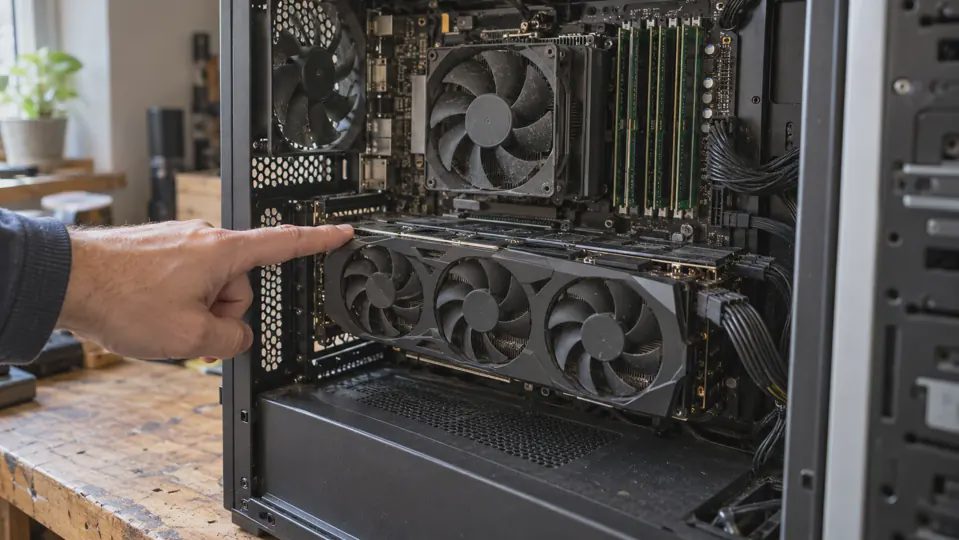
Model weight size is only part of memory planning. Intermediate computations and simultaneous requests also consume resources. For language models, context length and cached attention state add another consideration. A model file that fits on disk does not establish that the complete workload fits on a GPU.
I would begin with the model’s documented requirements, then measure the actual workload. If requests fail under concurrency, I would examine memory and serving configuration before assuming that a larger GPU is the answer.
That is a useful stopping point for a first project: choose enough capacity to test one representative input reliably, then investigate the next constraint. Buying headroom without a workload can make the bill easier to increase than the service easier to understand.
What happens before the first prediction
Imagine that no suitable container is ready when a request arrives. The service needs an execution environment, its dependencies and model assets must be available, and the application must initialize before inference can finish.
That preparation contributes to a cold start. A later request handled by an initialized process can follow a different path. Comparing those two requests without labeling their conditions can produce a misleading performance story.
Beam documents pre-loading models so initialization can happen when a container starts, with the loaded object available to the handler. For our classifier, I would separate loading the model from classifying each incoming image.
That distinction matters because repeated model loading can make every request expensive, even when the container itself is already running.

Keeping a container warm can reduce how often a request encounters startup, but it changes the resource tradeoff. I would choose a warm policy against a specific requirement, such as an interactive screen’s acceptable wait, rather than treat “always ready” as a free default.
A dedicated GPU kept running offers a different starting assumption: you reserve readiness even when little work arrives. I would compare both approaches at the expected traffic level, including startup tolerance and idle capacity, rather than assume serverless is always cheaper.
For an occasional background task, a startup delay may be acceptable. For an interactive feature, I would test fresh-container and warm-request behavior separately before deciding what the interface should promise.
Choose the response pattern before the hardware
Our classifier sounds like a synchronous endpoint: submit an image and wait for a result. That works when the processing time and failure behavior fit the caller’s expectations.
If the task becomes a long batch of images, I would reconsider the contract. A background job can accept work, return an identifier, and let the application retrieve its status or result later. That avoids requiring a browser request to remain open through the whole job.
The important choice is where waiting belongs. A queue does not remove processing time; it changes how the application represents it and how failures are recovered.
I would write down three things before choosing between those patterns:
Whether the person needs an immediate answer.
Whether the job can safely be submitted again.
How the application will identify completion or failure.
Only then would I choose resources for that execution pattern. A faster GPU cannot repair a request contract that gives the caller no reliable way to recover.
For either pattern, I would attach a request or job identifier to the diagnostic record. When someone reports a failure, that identifier should connect the input metadata, deployed version, and outcome. I would avoid logging the uploaded image itself merely to make debugging convenient.
Read the cost as a deployment configuration
I would avoid estimating cost from the GPU rate alone. Beam’s pricing page lists serverless GPU, CPU, and memory components, alongside other compute products and plan terms.
For a first estimate, I would record the resource configuration, expected active duration, request volume, and any warm time. Then I would compare the estimate with actual usage before extrapolating to a month of traffic.
It also helps to distinguish development from deployment. Beam’s endpoint guide says the entire duration of a preview serve session counts toward billable usage, including time without requests. Leaving a development session open is therefore a different cost assumption from measuring one handler invocation.
If all you need is access to an existing hosted model API, deploying your own model may add unnecessary packaging and maintenance. I would choose Beam when control over the runtime, model, or execution pattern provides a concrete benefit.
Your first useful architecture decision
For the imagined classifier, my initial plan would be one model revision, a reproducible image, one representative input, and a response pattern that matches the expected wait. GPU selection would follow those requirements.
Before opening a GPU menu, complete this sentence: “My service accepts ___, runs ___, and must return or acknowledge the work within ___.”
That sentence gives the infrastructure a job. The next step is to build the smallest service that can demonstrate whether your assumptions hold.

No letters yet — be the first to write.